
Academics
Homework management software for schools
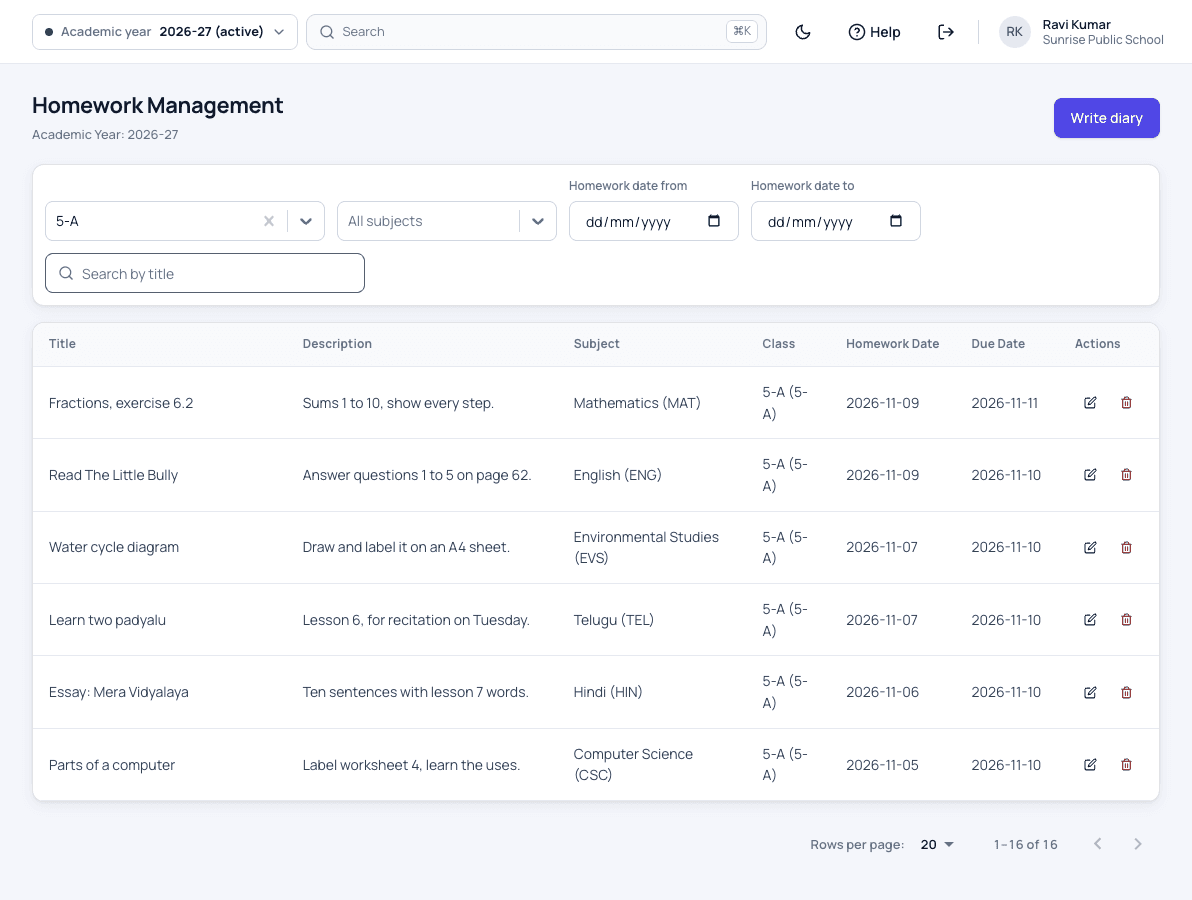
Teachers set homework for each class and subject, with due dates and links to material, and keep a daily class diary.
Homework features
Homework is set for a class and subject, so each student sees only what applies to them, and a class diary records the day's notes for families.
This module is part of Patashala360, school management software for Indian schools. It works on the same records as the other school ERP modules, so the office never types the same detail twice.
- Homework set for each class and subject
- Due dates and links to worksheets or videos
- Homework withdrawn if it was set by mistake
- A class diary for the day's notes to families
- Parents see homework and the diary in the app, once it launches
How it works
-
Set the homework
The teacher sets work for a class and subject, with a due date and, if needed, links to material.
-
Students see their own
Each student signs in and sees only the homework for their own class and subjects.
-
Keep the class diary
Teachers write one line per subject each school day, with a due date.
Homework: common questions
Can homework include study material?
Yes. A teacher can add web links to material, such as a worksheet or a video.
Can homework set by mistake be removed?
Yes. The teacher can withdraw it, and it disappears for the class.
Related school ERP modules
Academic calendar
The whole school year on one calendar, with holidays added for you.
Academic calendar software for schoolsExaminations
Plan every exam of the year, and let each subject teacher enter their own marks.
Examination management software for schoolsReport cards & results
Printable report cards, class ranks and the annual result, ready when you decide to publish.
Report card software for schoolsAll 30 modules come in one price. Before you choose any school ERP, read how to choose the best school management software in India.
See Patashala360 with your school's data
Tell us your school name, town and number of students. We will call you to fix a time for the demo.
Or write directly to hello@patashala360.com